
Free software · Linux, Windows, macOS · GPLv3
JNEXT A developer's ZX Spectrum Next emulator
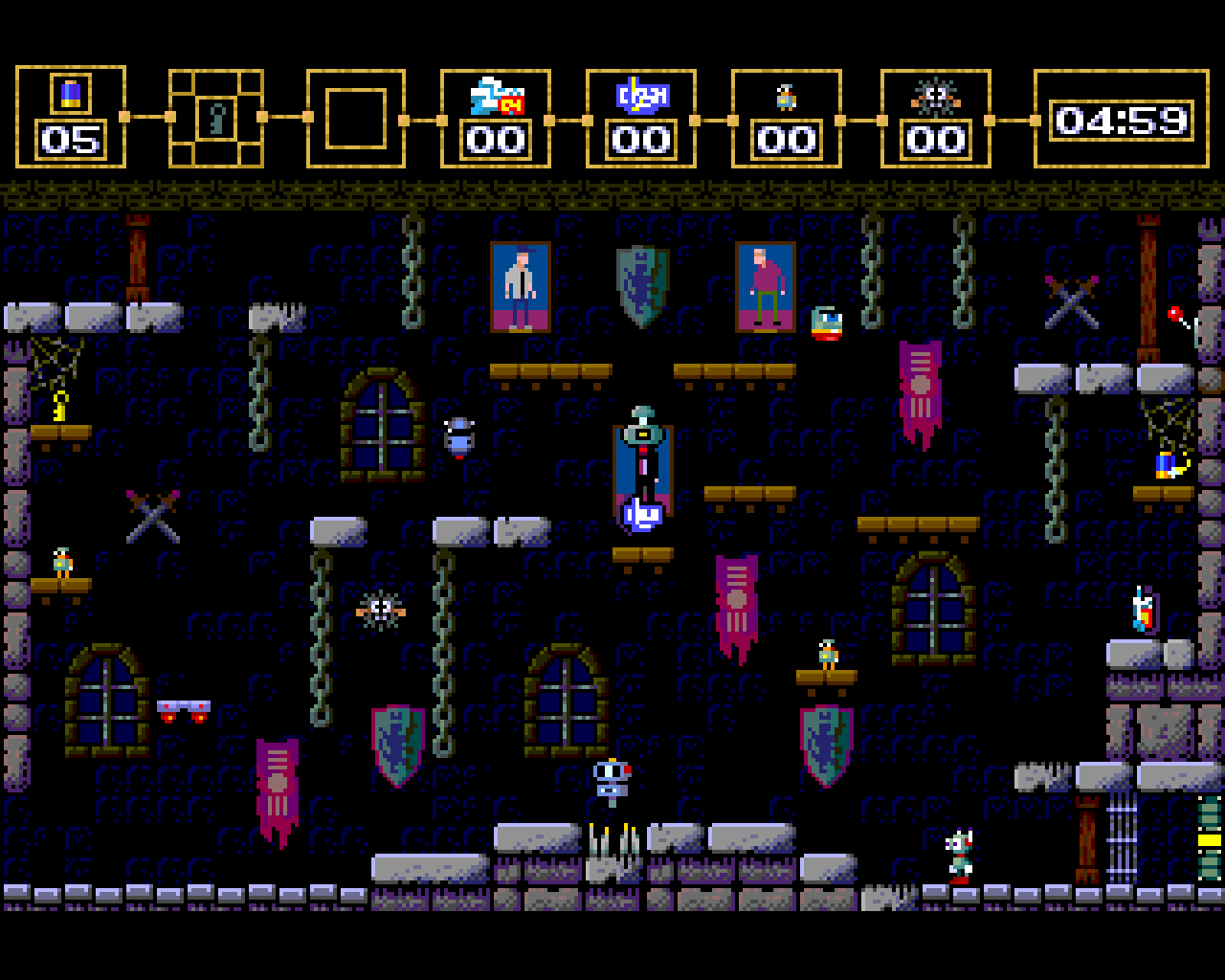
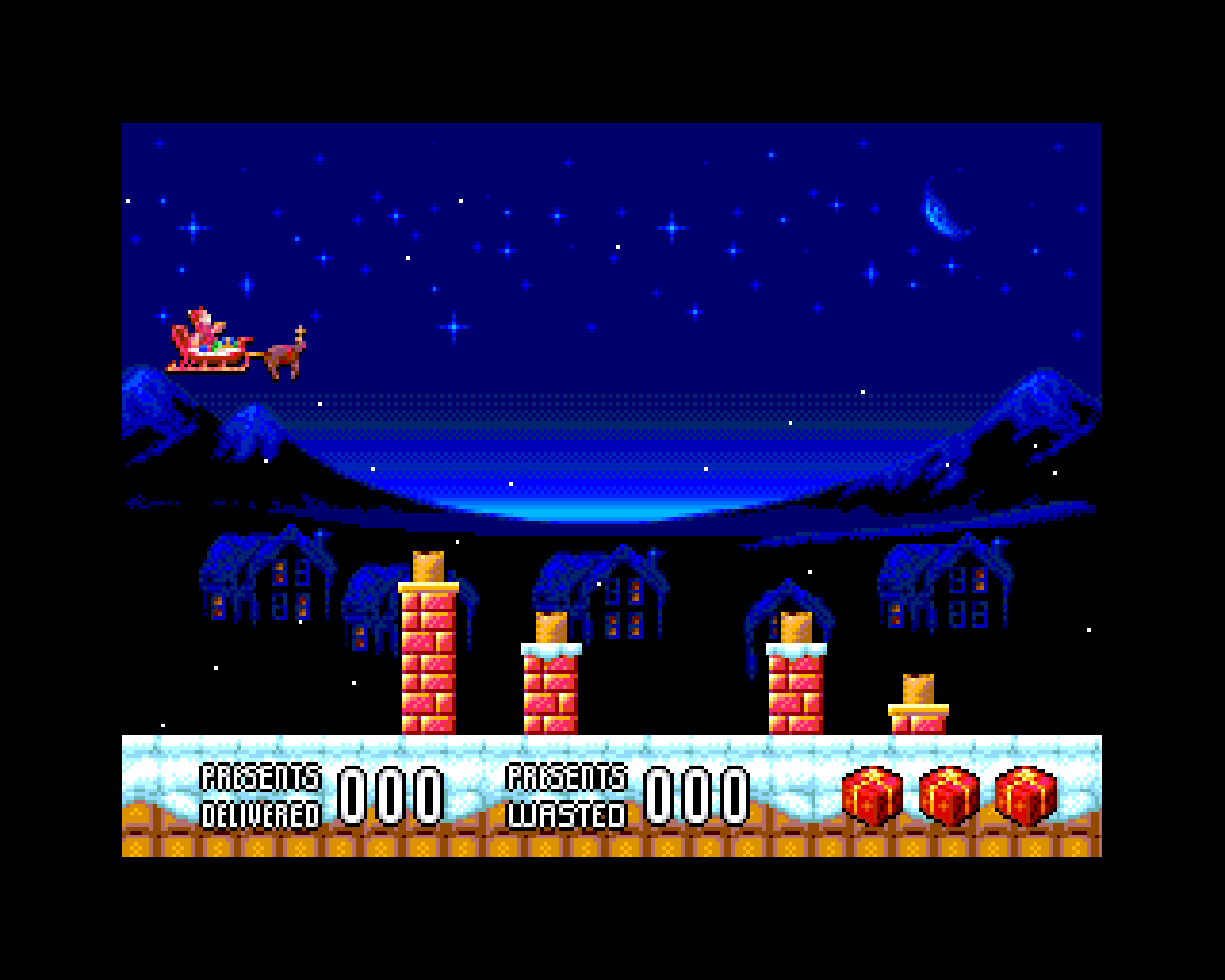
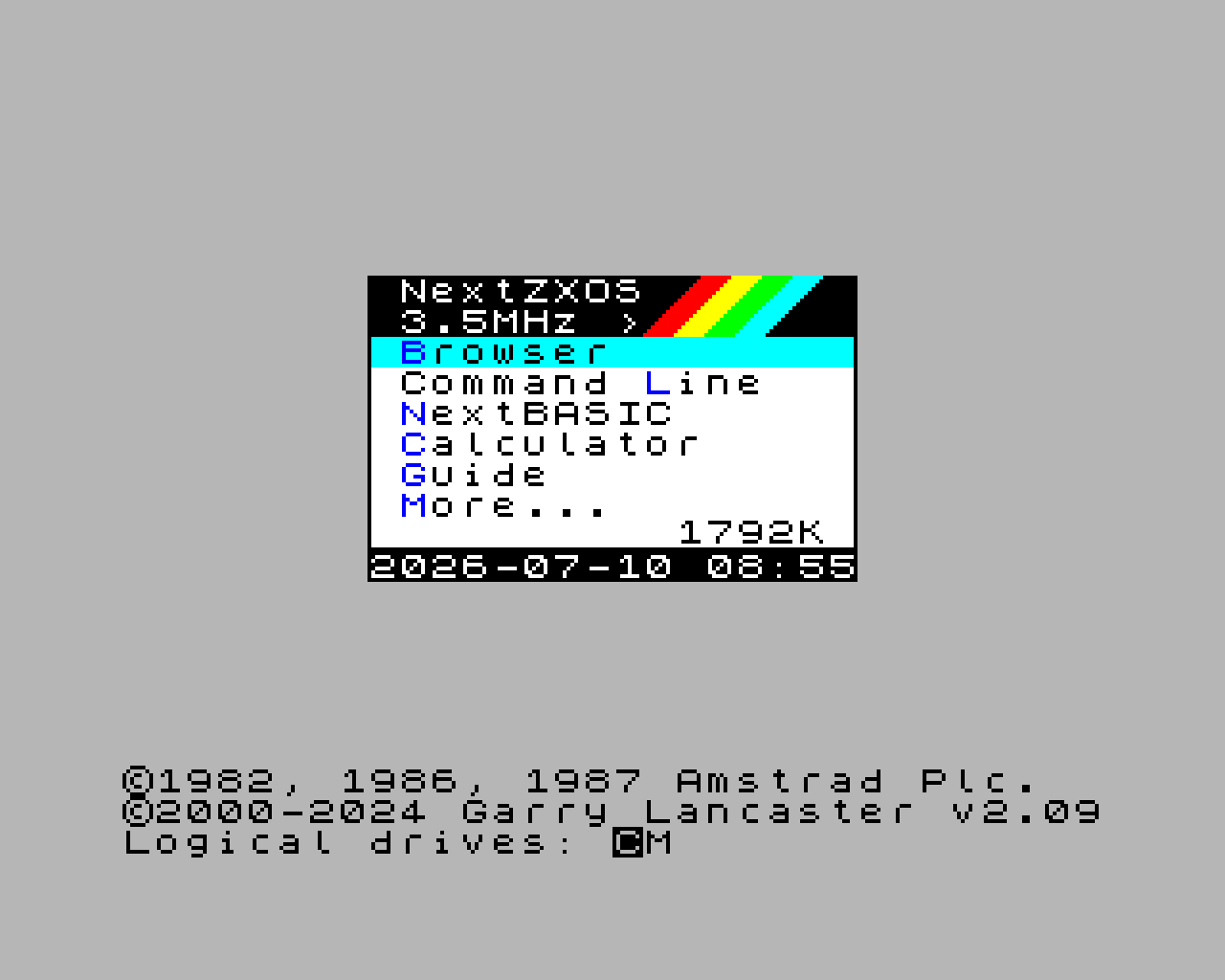
JNEXT is an open source emulator that runs Next software in real time and shows you the machine while it runs: every layer drawn on its own, all 256 registers, 128 sprites, the Copper, the tilemap, three AY chips, and execution you can step backwards through. It is under continuous development, and open to anyone who wants a hand in it.
Latest release
Packages for Linux (deb, rpm, Flatpak), Windows and macOS, plus the full source archive. Releases happen when there is something worth releasing, not on a schedule.
Downloads and release notes DevelopmentUnder active development
JNEXT is worked on continuously: hardware coverage grows, behaviour gets more accurate, and the debugger gains tools as they turn out to be needed. The ChangeLog and the open issues are public, so what changed and what is still being worked on stay in plain view.
Read the ChangeLog DocumentationUser guide
Installing it, loading a program, driving the debugger, scripting screenshots from CI. If a page here is unclear, that counts as a bug.
Read the user guide DocumentationDeveloper guide
How the emulator is put together — the core, the video pipeline, the test suite — and how to build it and find your way around the code.
Read the developer guide Source codeAll of it, on GitHub
C++17 and Qt6 under the GPLv3. The source, the tests and the design notes are all there. Clone it, build it, change it, keep it.
github.com/jorgegv/jnext IssuesSomething not right?
Wrong rendering, hardware that isn't there yet, a crash, a confusing page in the guide — all of it is worth an issue. A snapshot or a small program that reproduces it helps a lot, but please say something even if you don't have one.
Open an issue RoadmapWhat's being worked on
Planned work is tracked in the open, as milestones. What gets done first shifts as people report what is actually getting in their way, so the list is a direction rather than a promise.
See the milestones