
The first boot
The machine boots in three visible stages.
The firmware splash. The Next's own boot firmware starts, loads the keymap and the ROMs off the SD card, and reports the firmware and core versions.
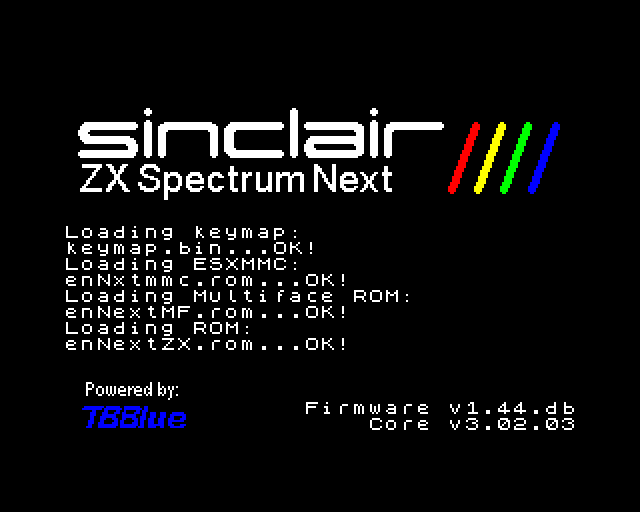
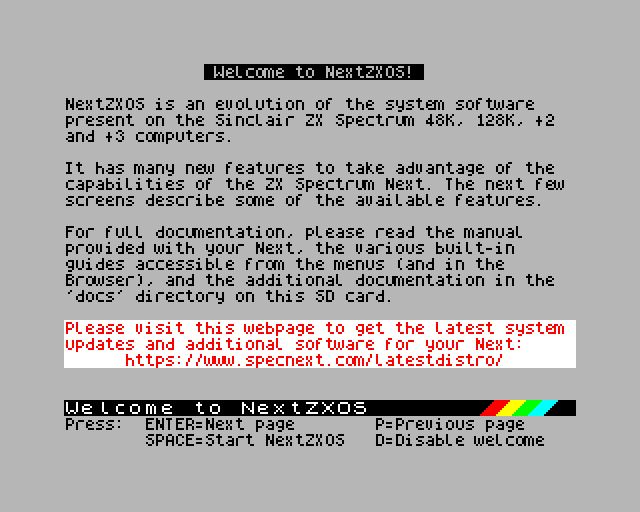
The NextZXOS welcome. NextZXOS starts and introduces itself. Press Enter to page through the welcome screens, Space to skip straight to the system, or D to stop it appearing on future boots.
The NextZXOS menu. This is the working system: the Browser for loading programs from the SD card, a command line, NextBASIC, and the built-in guide. Move with the cursor keys and select with Enter.
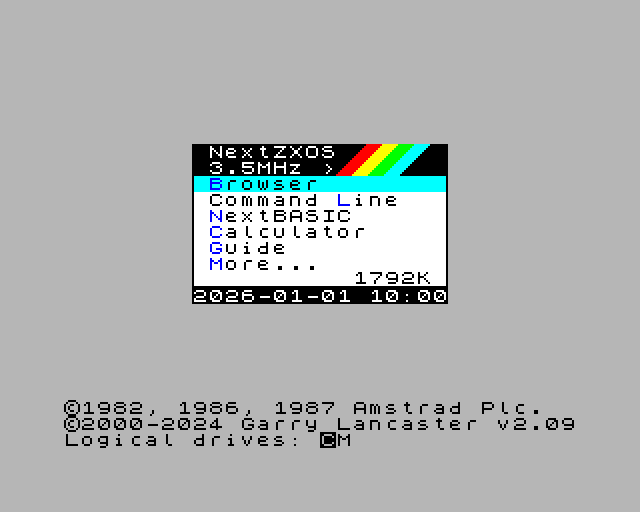
If you reached this screen, everything works. The whole sequence takes a few seconds.